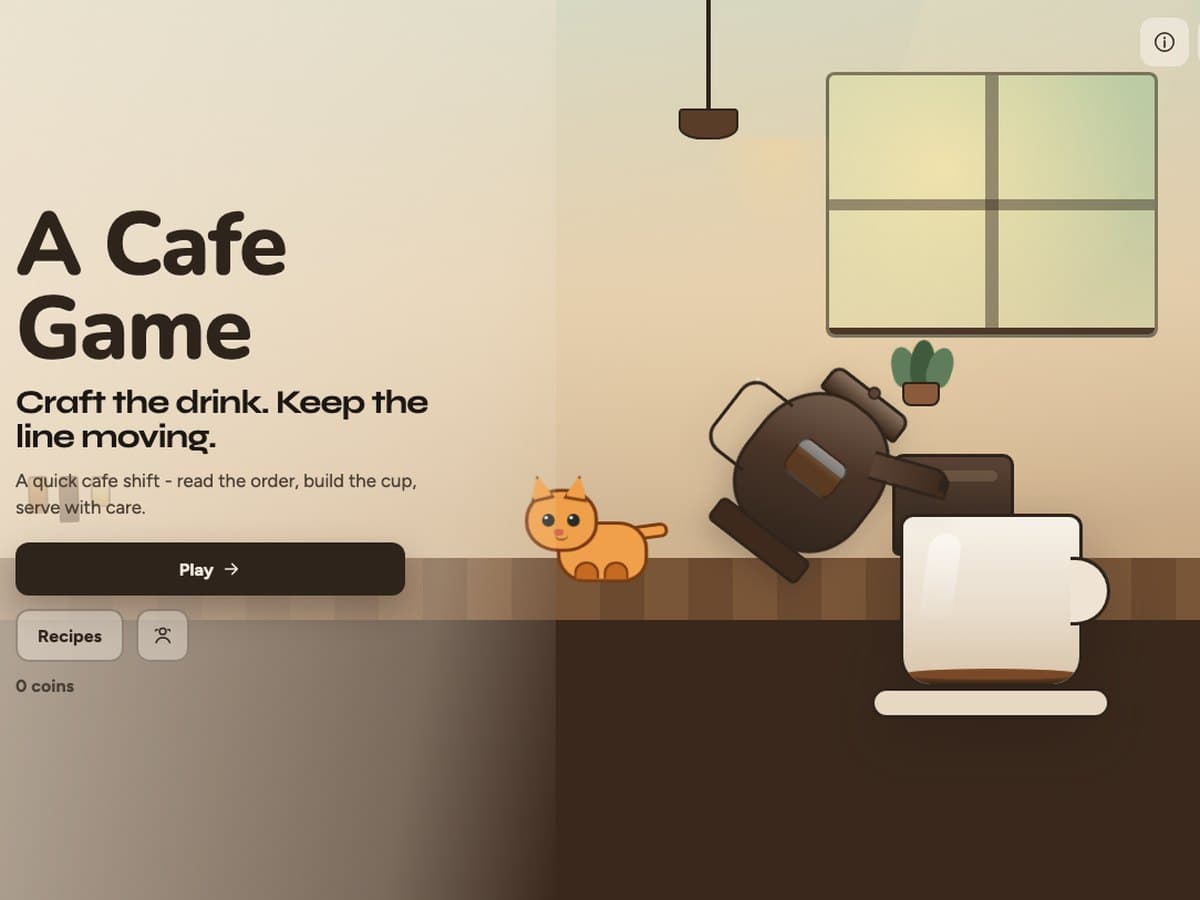
A Cafe Game
A playable cafe shift: read the order, build the cup, keep the line moving.
View project →Build simple apps and websites by learning to direct AI, not just use it.
Students practice clear instructions, iterate on results, and turn ideas into working digital projects while building real systems-thinking habits.
Students curious about making apps, websites, or tools, even without prior coding experience. They learn to direct AI to build, rather than let AI take over the project.
Included with enrollment. Contact us for more info.
Where students start, and what they can do by the end. Every student moves through these at their own pace with mentor guidance.
A student starts from ‘I want to build something’ and leaves this stage with one specific problem their project solves, and a plan they can explain out loud before anything exists.
The plan becomes a working thing on screen. Students learn to be specific enough that what comes back resembles what they intended, and to notice quickly when it does not.
The first version breaks, and this is the stage that matters most. Students learn to find what is actually wrong and fix that, rather than deleting the project and starting over.
The student has a working app or website they can open on a real device, and can explain what it does, who it is for, and what they would build next.
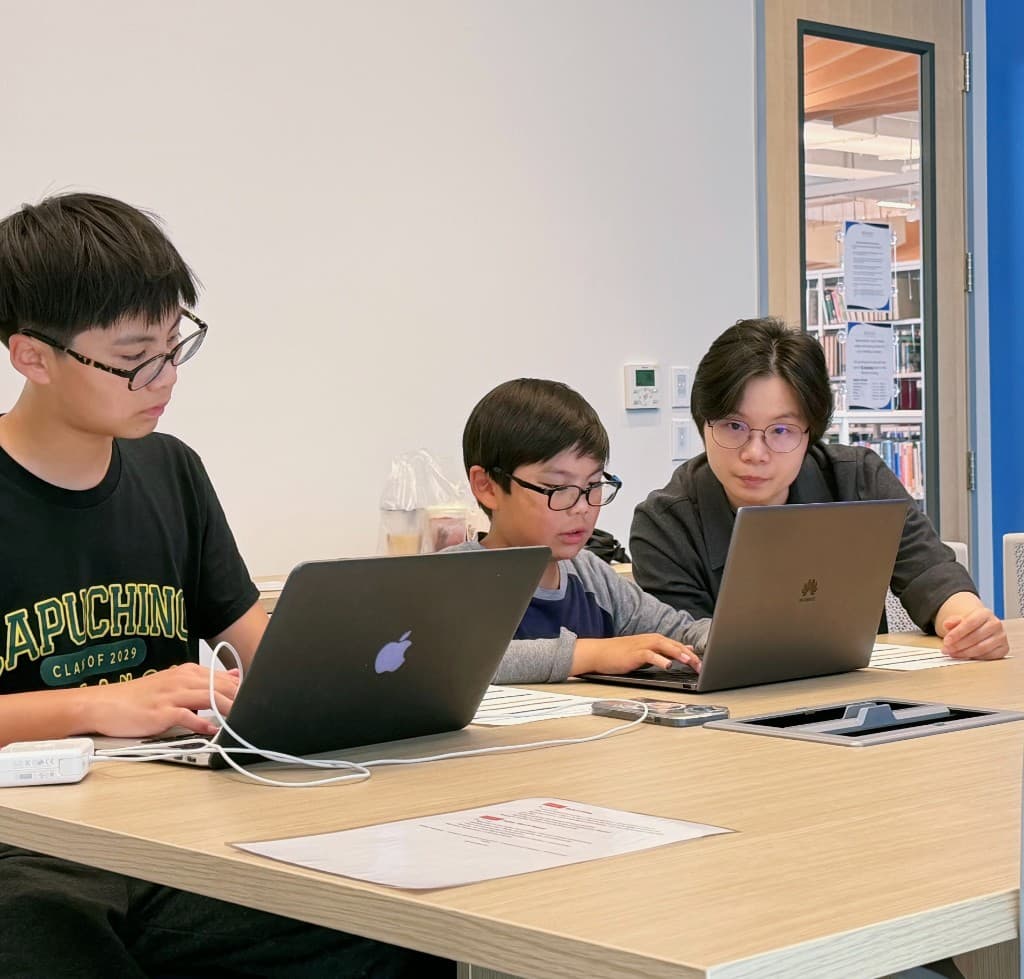
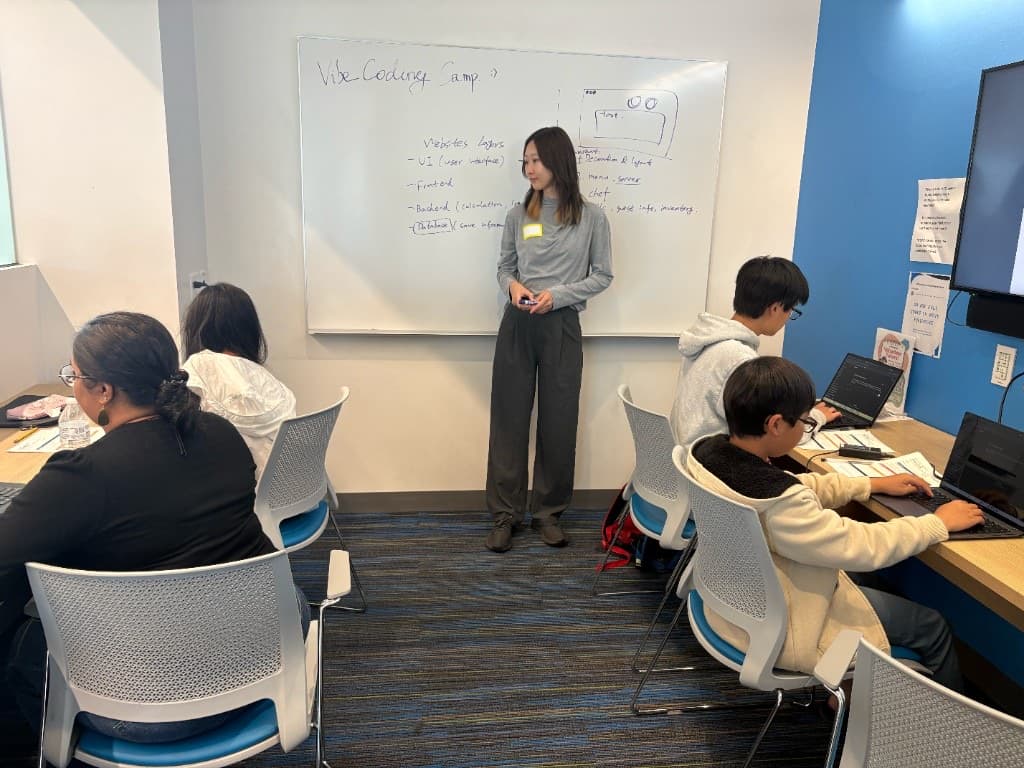
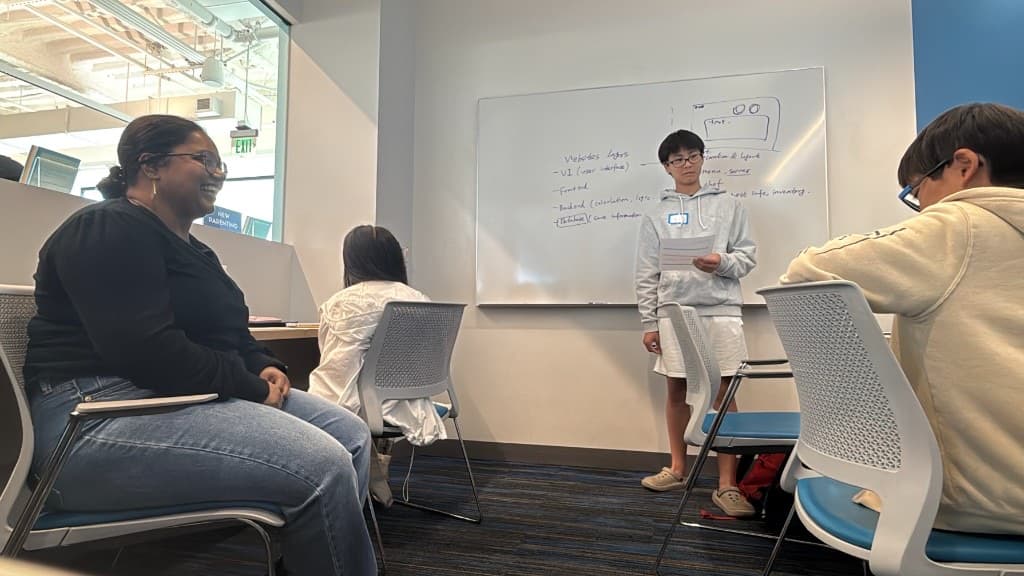
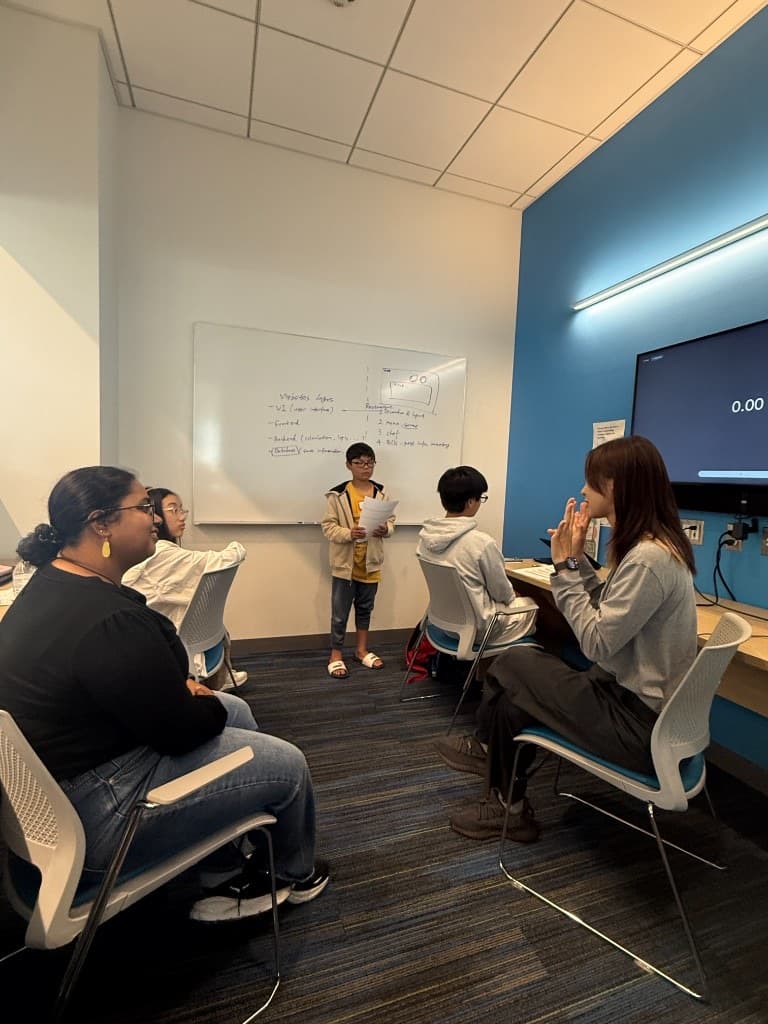
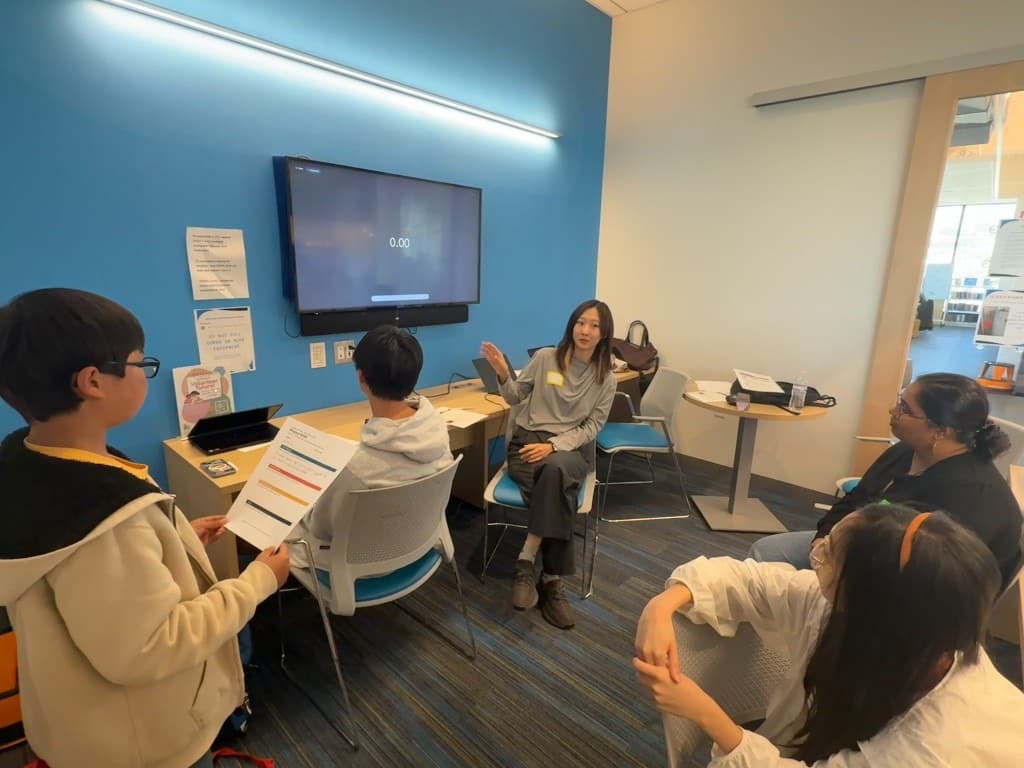
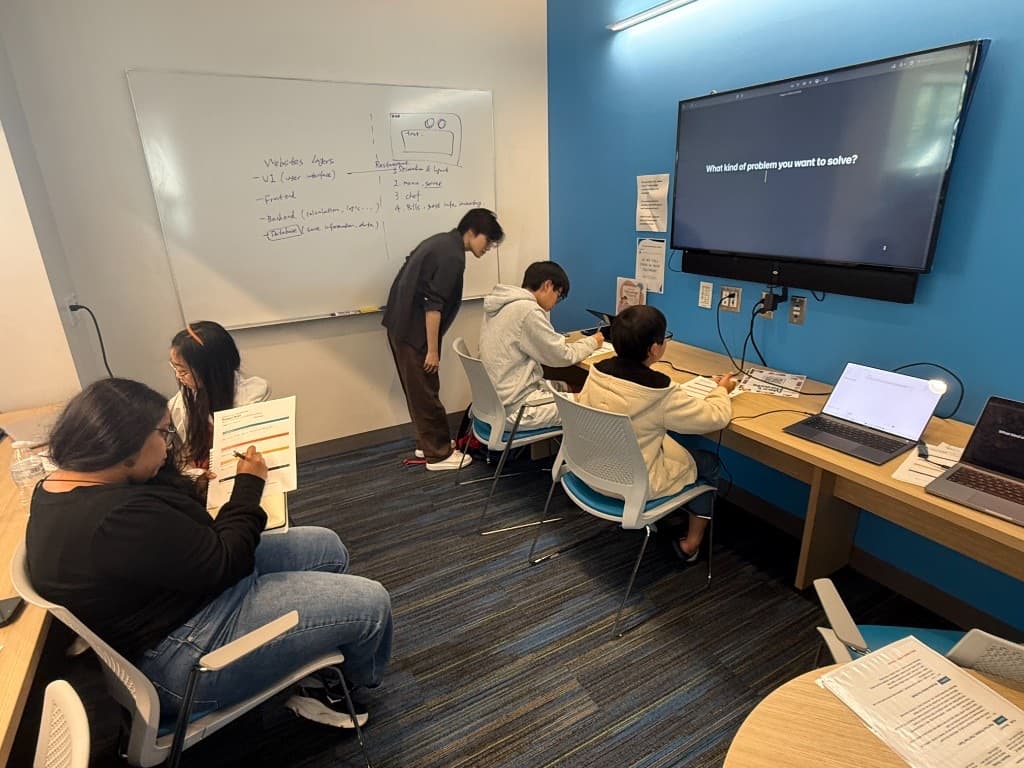
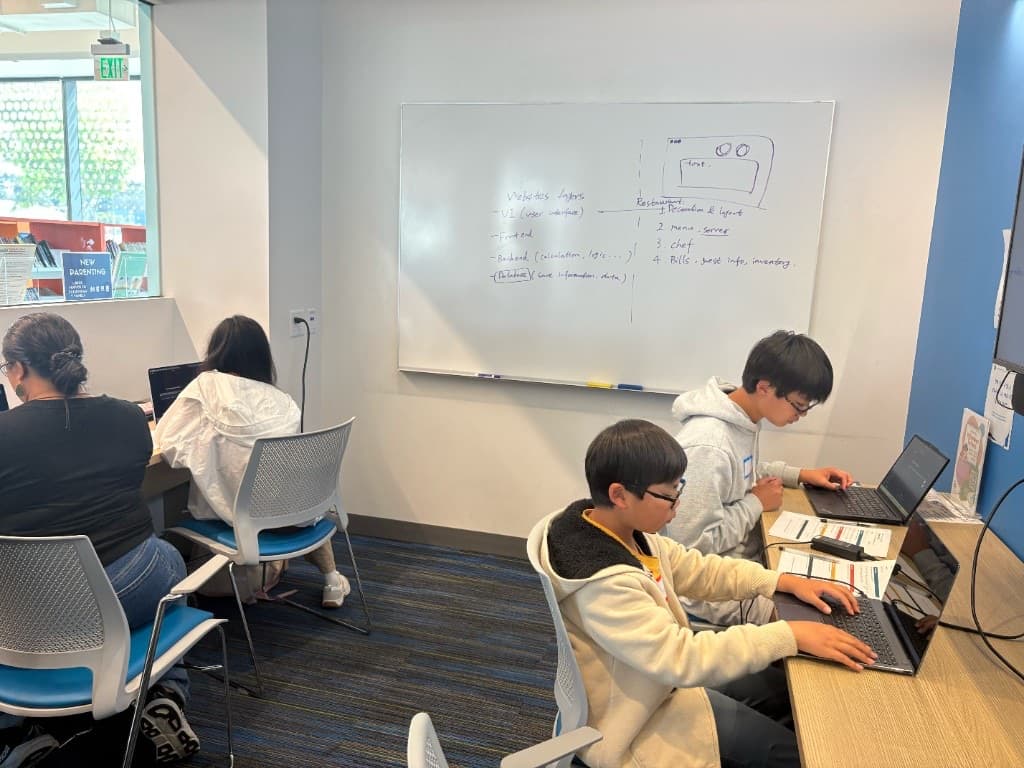
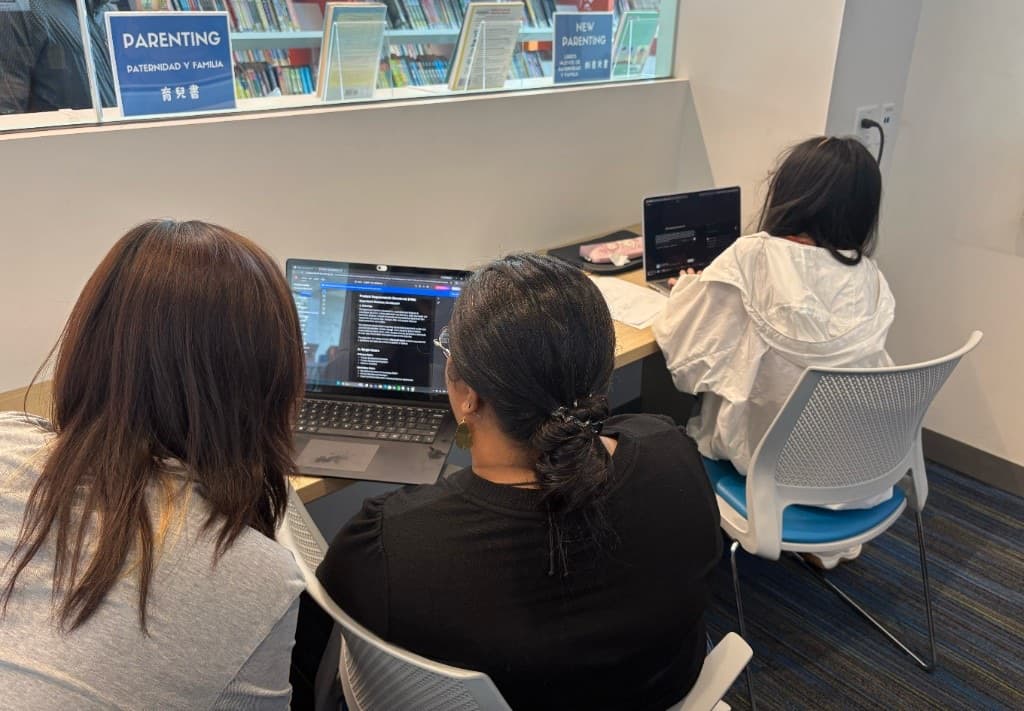
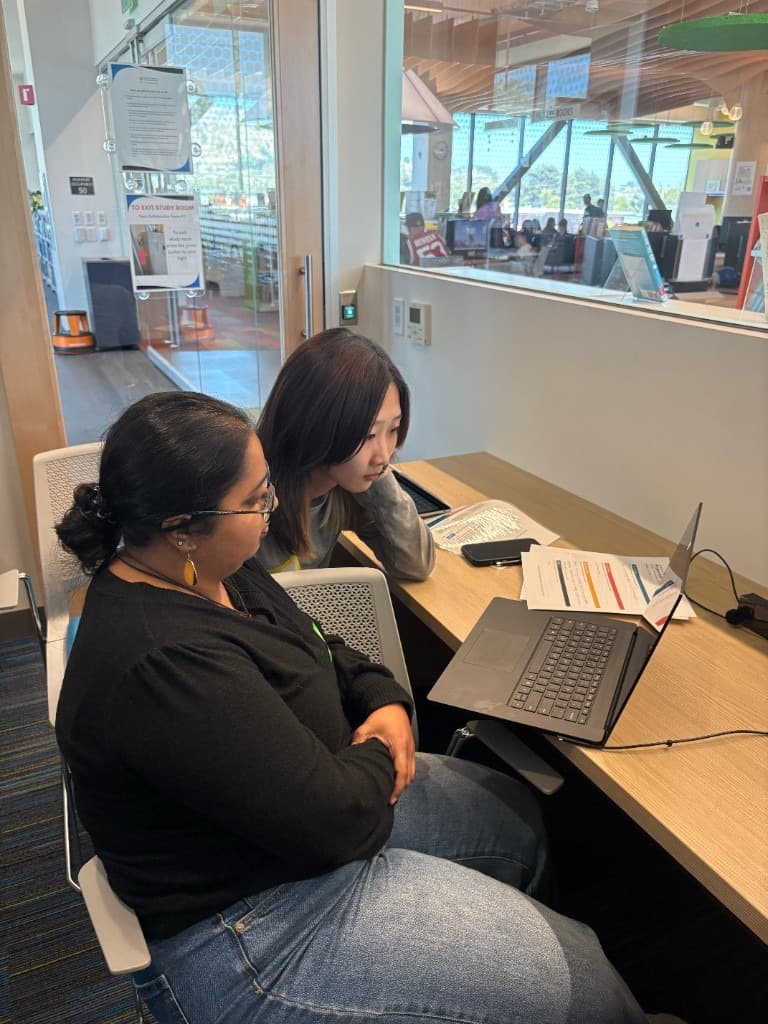
Moments from live sessions: small groups, mentors, and hands-on work.
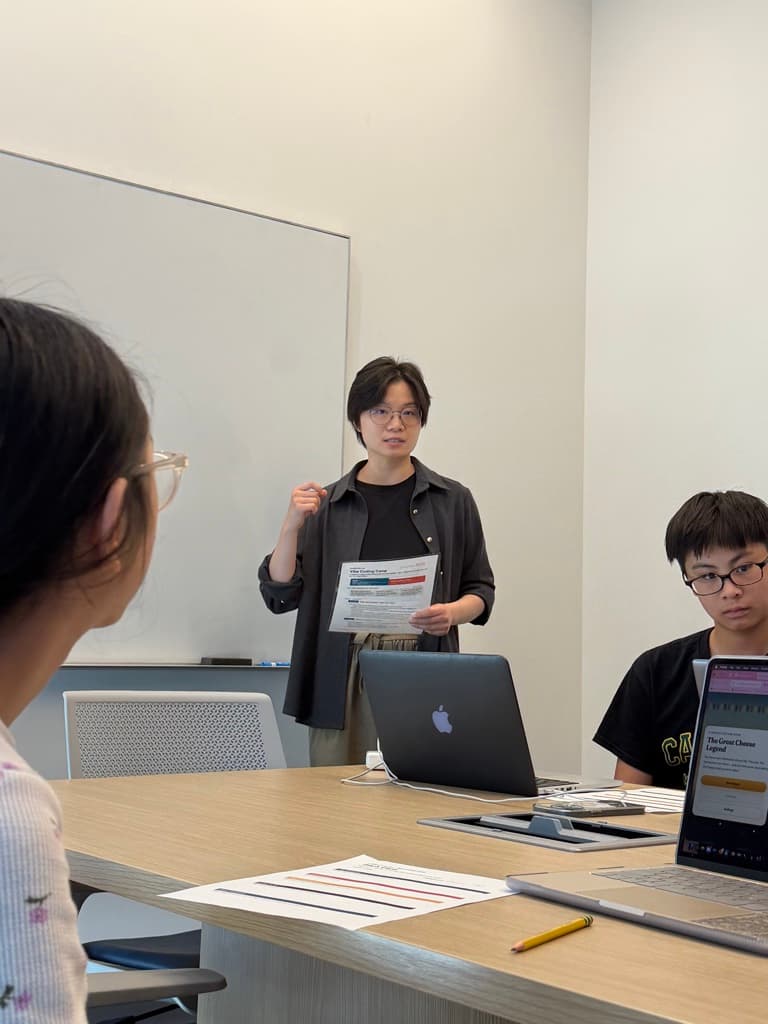
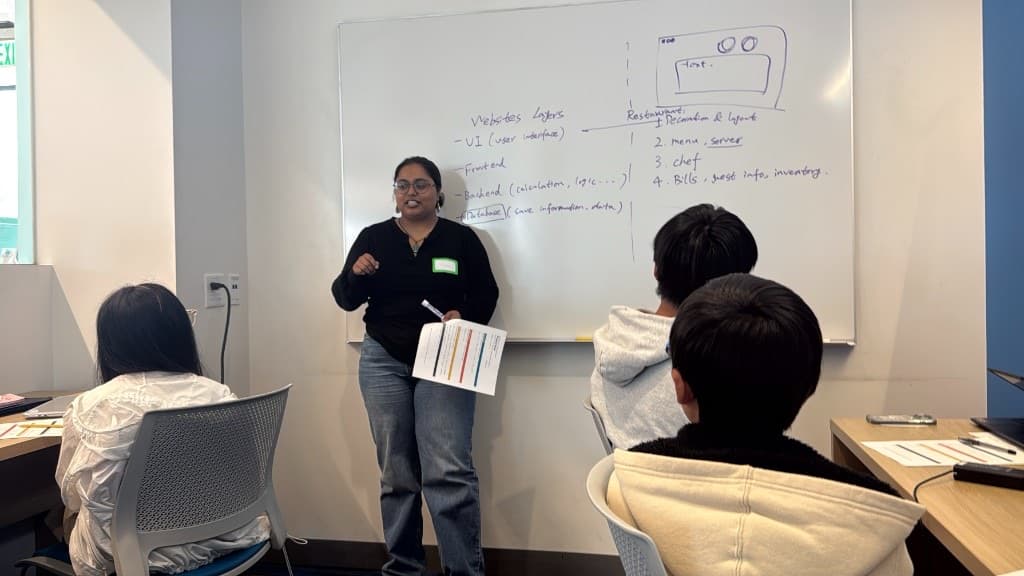
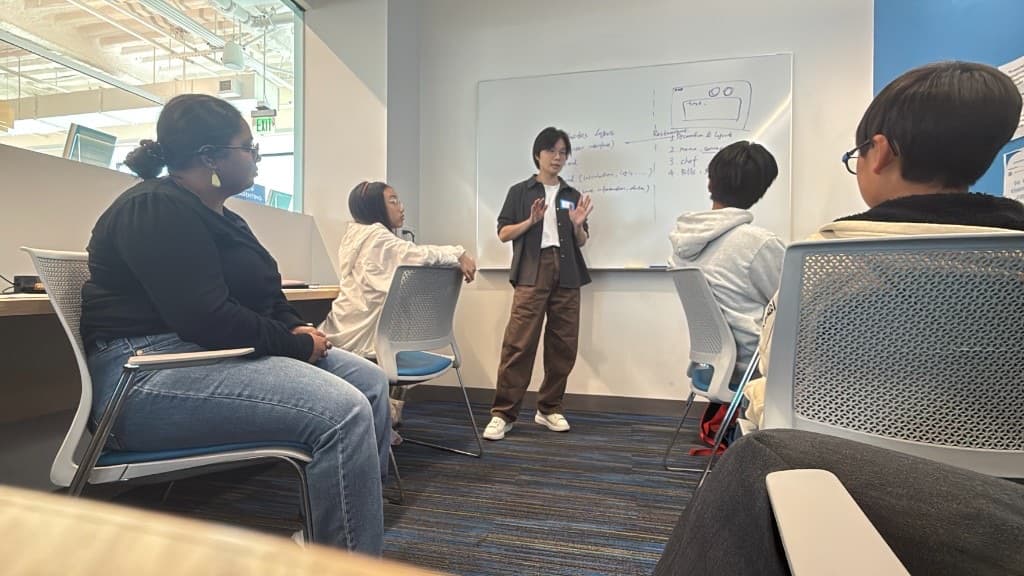
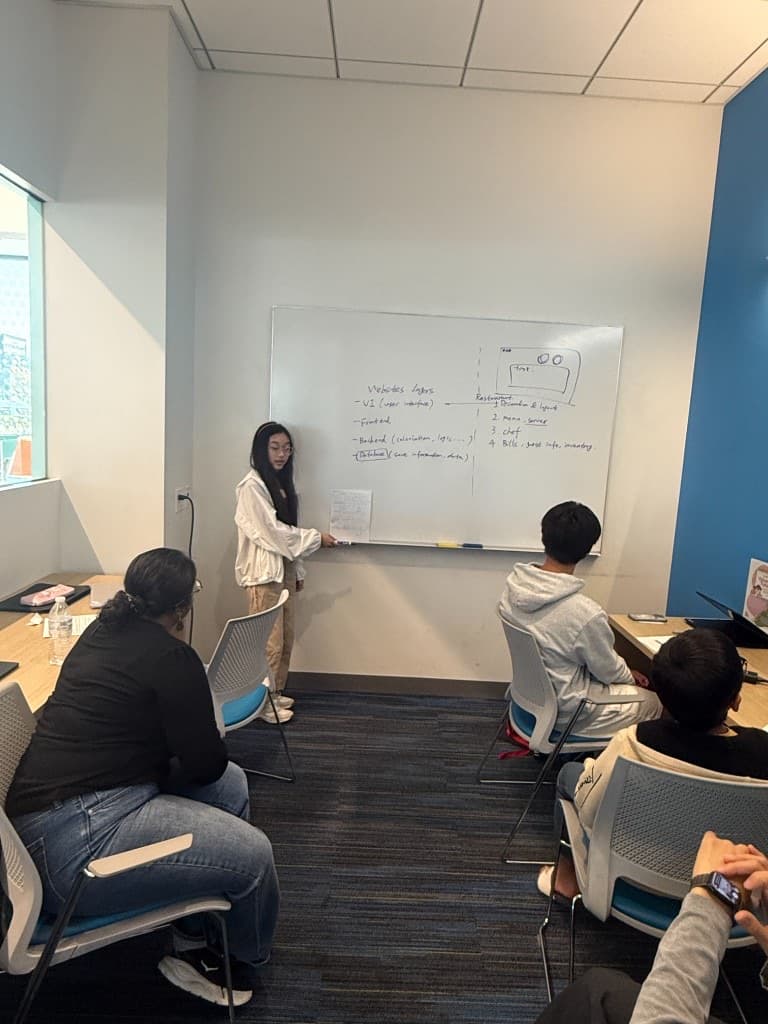
Apps and websites students build and can demo.
A playable cafe shift: read the order, build the cup, keep the line moving.
View project →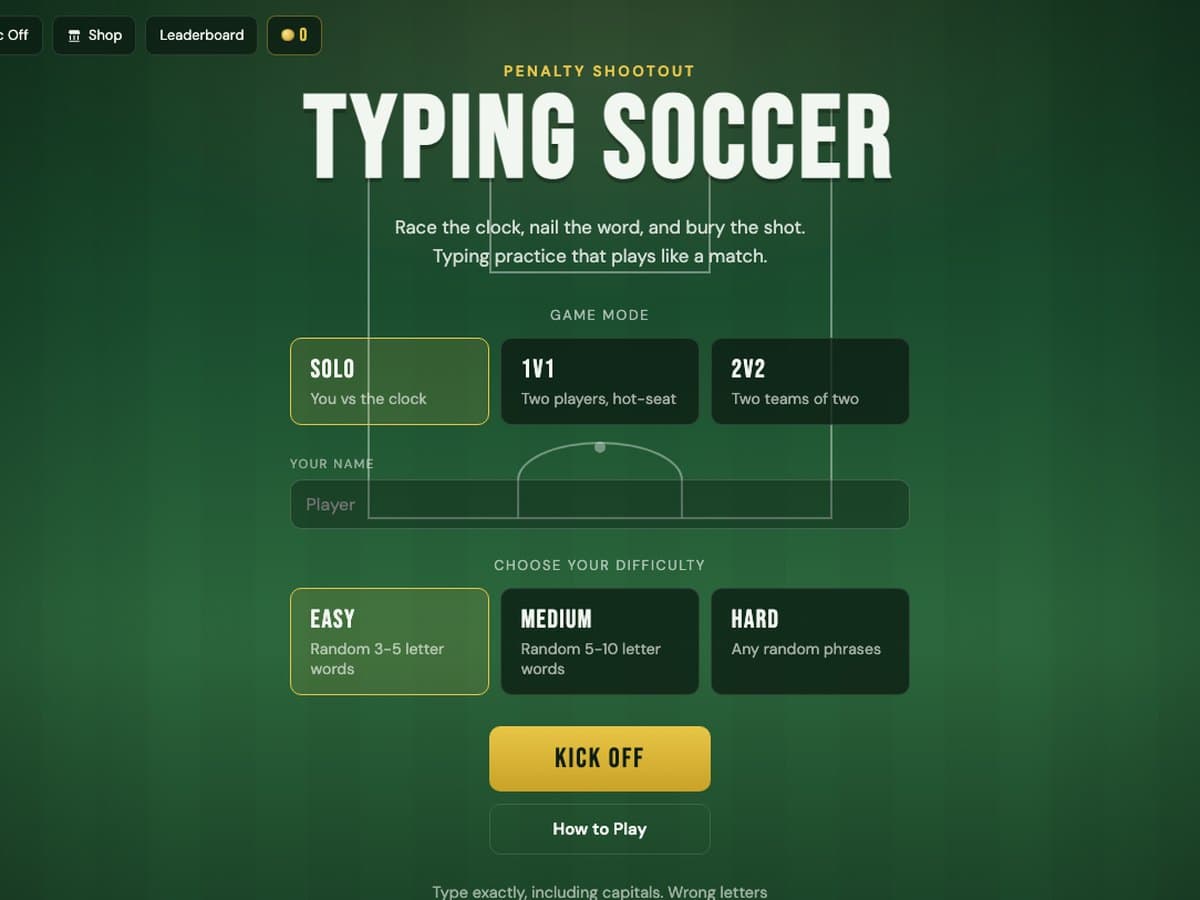
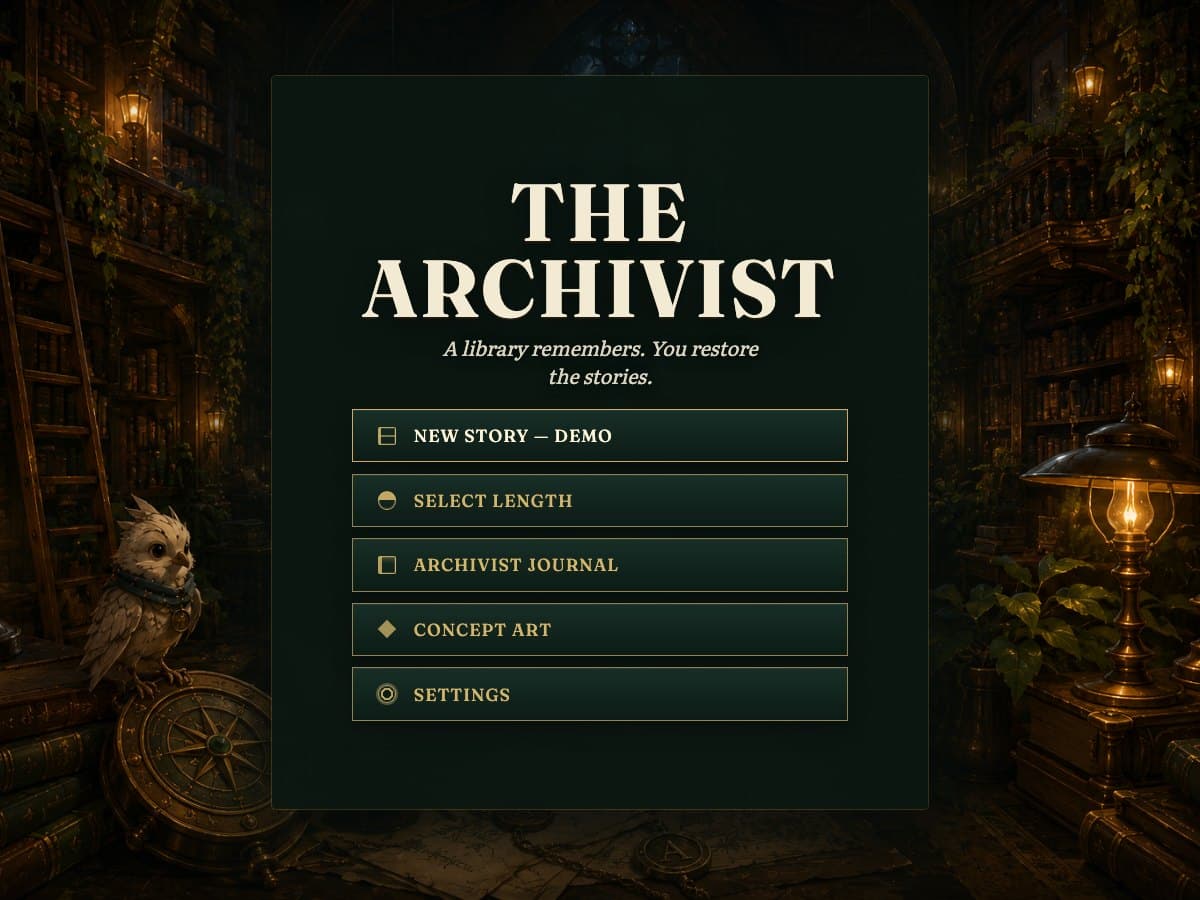
A puzzle story in a library: read the notes, solve each latch, and restore the missing stories.
View project →Vibe Coding is taught by people who ship software for a living, so students learn to plan, direct the build, and debug what AI gets wrong.
for the full 10-hour course
Available to the first 8 students who enroll.
ApplyThe questions families ask us most. If yours is not here, email us.
A working app or website they can open, demo, and keep. Students also leave able to explain what they built and why, which is the part most self-taught beginners never practise. Previous students have built and published projects including A Cafe Game, Typing Soccer, and The Archivist.
No. Vibe Coding is built for students who are curious about making apps, websites, or tools and have never written code. What we teach is how to direct the build and judge the result.
The student does the deciding, and that is the harder half. AI writes code quickly; knowing what to ask for, spotting when the result is wrong, and diagnosing why is the skill. Students who let AI take over the project do not finish with something that works.
Ages 10 to 18. Groups are small enough that a 10-year-old and a 17-year-old can both be working at the edge of what they can do.
10 hours across two weekends, in small groups with mentor guidance throughout rather than lectures.
Tuition is $100 per instruction hour, so Vibe Coding’s 10 hours come to $1,000. The code DIRECT30 takes 30% off for the first 8 students who enroll, bringing it to $700.
Closely, and by design. Students write their own plan down before they are allowed to go to AI at all. Mentors watch how each student works and step in when someone starts pasting output they cannot explain. The habit we want them to leave with is: always think first.
Capped at 10. Debugging is where students need a mentor beside them, and that only works in a small group.
A laptop. Students build on their own computer so the project and the files go home with them.
The mainstream tools professionals use, such as ChatGPT and Claude, alongside AI-assisted coding tools. The specific mix changes as the tools change, because the skill we teach is directing AI, not memorising one product’s interface.
In person in the Bay Area. We choose each cohort’s venue after the group forms, based on where the enrolled families actually live. Currently that means South San Francisco or Stanford. Applying early influences where the class runs, not just whether your child gets a spot.
Once a group fills. We hold cohorts to 10 students, so we schedule the two weekends around the families who have actually enrolled rather than publishing dates nobody can make.
People who ship software for a living. One co-founder is a software engineer at Arista Networks with a UC Berkeley CS degree and a Stanford master’s in progress; the other is Head of Data at Taskrabbit and has led data and AI teams at Asana, Twitter, and Glassdoor. Both co-founders teach every Vibe Coding cohort themselves.
Vibe Coding has its own application form, and you enter the promotion code when you apply. Tell us what your child wants to build if they already have an idea, because it helps us group students with comparable ambitions.
Apply using this course's application form.